Generation Direct Debits
You can use different methods to generate the direct debits from your SEPA mandates.
Simple Generation
To generate one or more direct debits, go to the Extended Mandate submenu of the Entities menu. Select from the list the relevant mandate(s) by ticking the box at the beginning of the line.
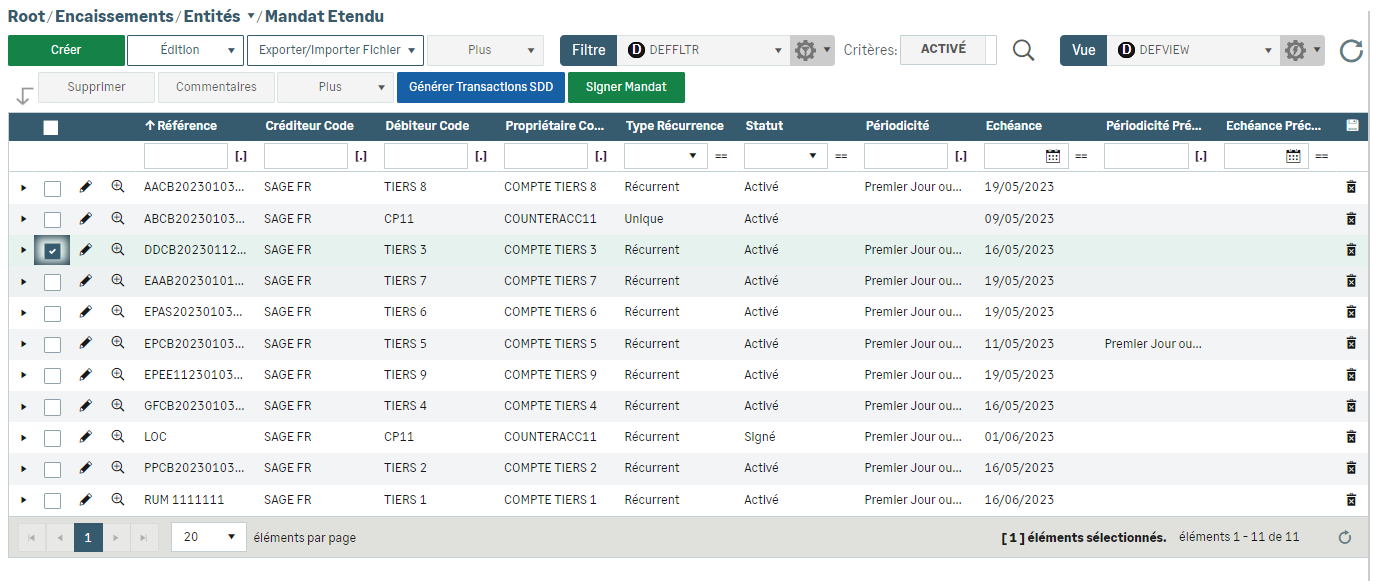
New buttons appear.
Click Generate SDD Transactions and complete the fields.
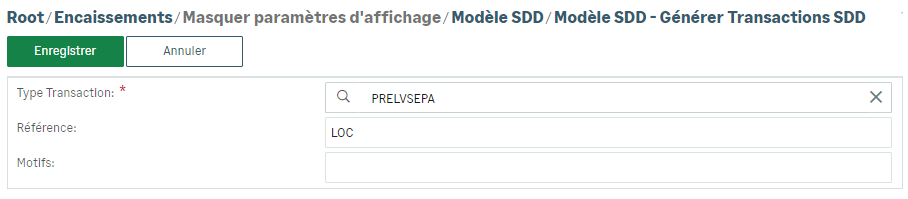
You can execute the direct debits simultaneously with the flows of Cash module if you use it.
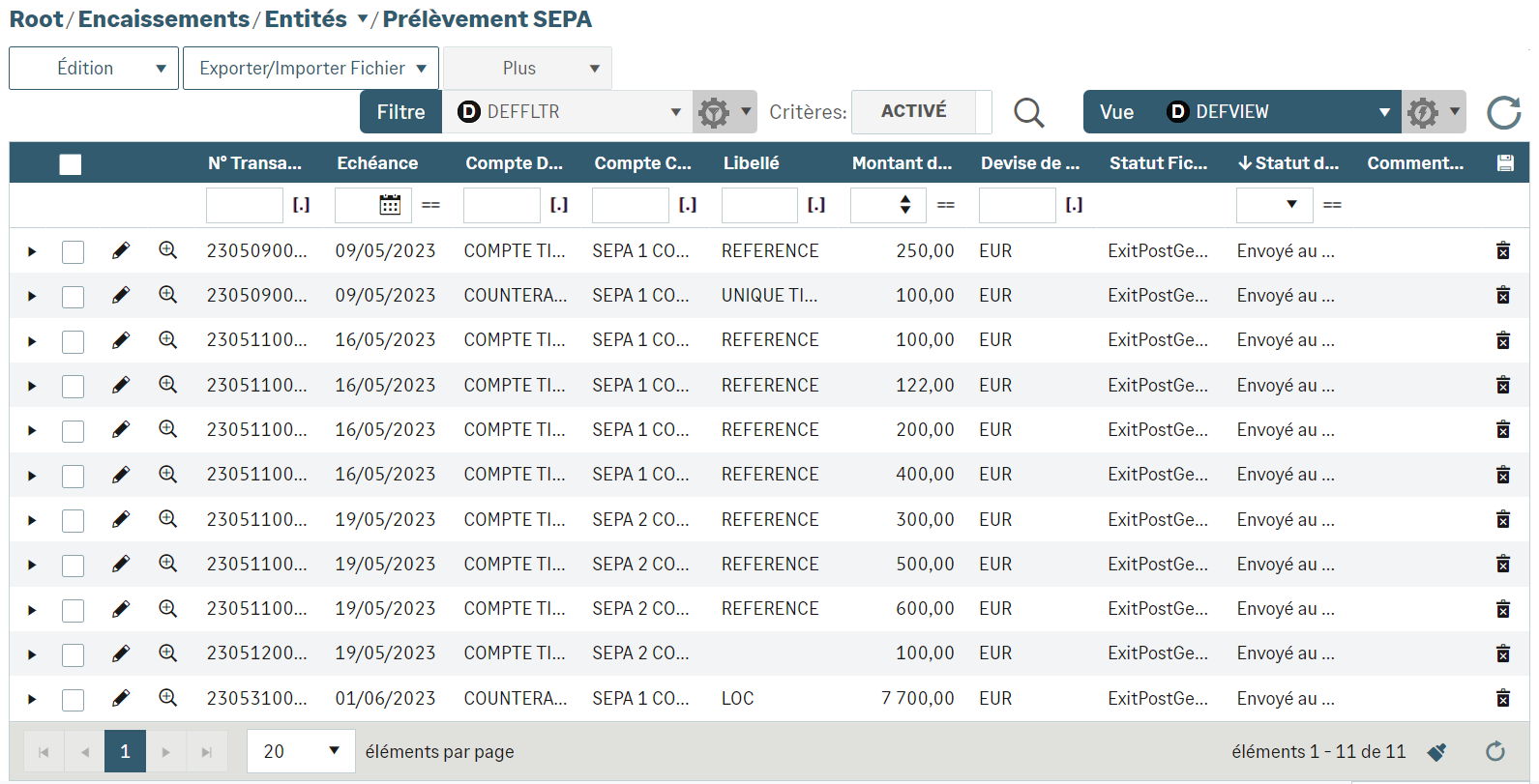
To view the direct debits resulting from your mandates, select SEPA Direct Debit from the Entities menu of Receipts module.
Direct Debit Campaign
Campaigns enable you to group mandates and generate the corresponding direct debits. You can also automate these periodic campaigns.
To learn everything about Campaigns, see the Campaigns topic.
Automation
You can automate simple generations of direct debits by completing the Mandate additional details section of the Extended Mandate form.
You can automate and plan the future direct debit campaigns during their executions.
After selecting the campaign from the list, click the Execute SDD campaign button. In the new window, activate the Schedule option, complete the fields and validate.
In Administration module, you can view the results in the Scheduled Tasks submenu of the Batch Tasks menu.


