Managing Spot Exchange Transactions
Before any input of spot exchange Agreement between two parties to buy one currency against selling another currency at an agreed price for settlement on the spot date. The exchange rate at which the transaction is done is called the spot exchange rate. Also known as FX spot. purchase or sale, make sure you defined the corresponding transaction codes, as well as the resulting flows as explained in the topic Creating Spot Exchange Transactions.
Transaction Input
To enter spot exchange transactions, go to Cash module and select the submenu Spot Exchange from the Entities menu.
Click the Create button to open the creation form.
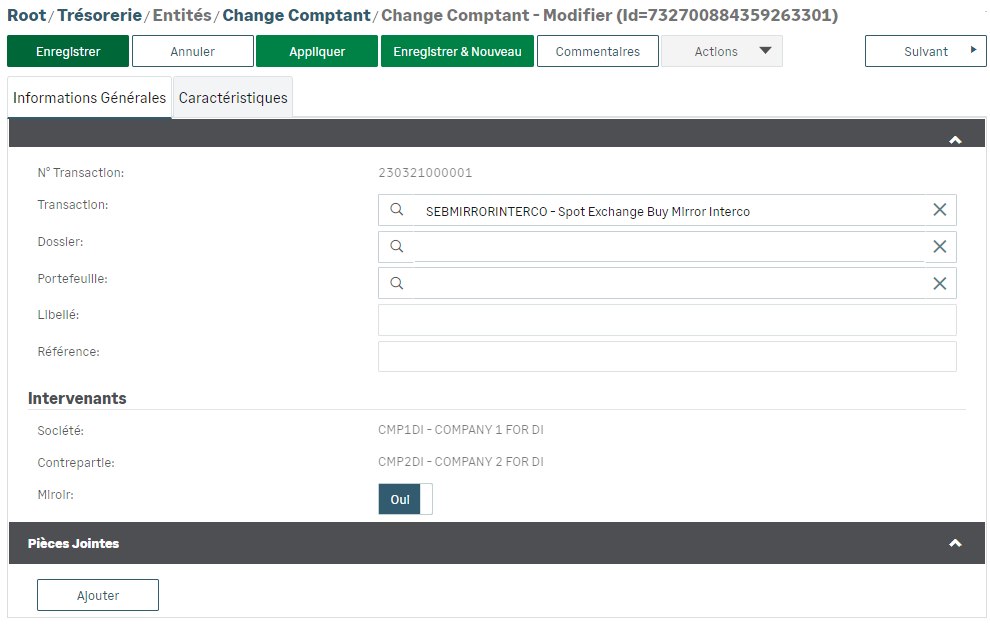
You must specify the corresponding transaction code and complete the General Information tab.
Info
If the counterparty is a bank, then the Interco. option is not available. However, the mirror section remains available.
Then, complete the Characteristics tab.
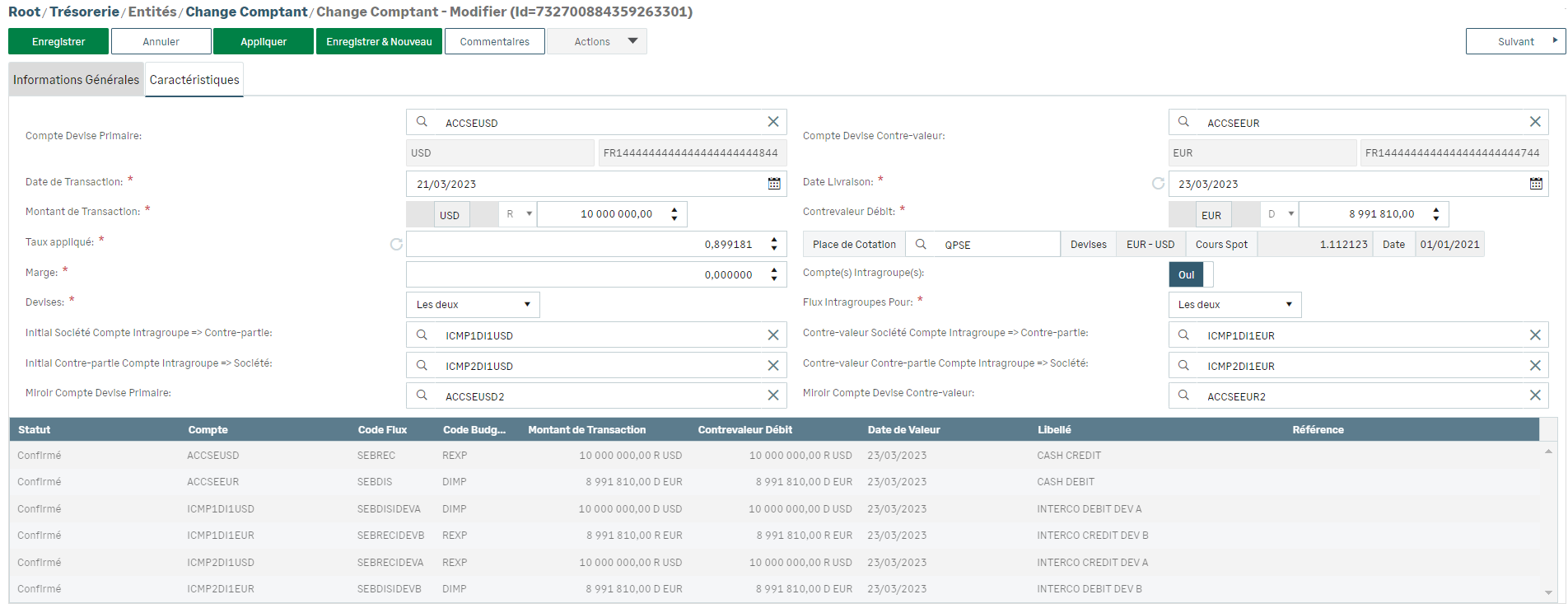
The resulting flows depend on the elements entered and the transaction code set up.
Viewing Spot Exchange Transactions
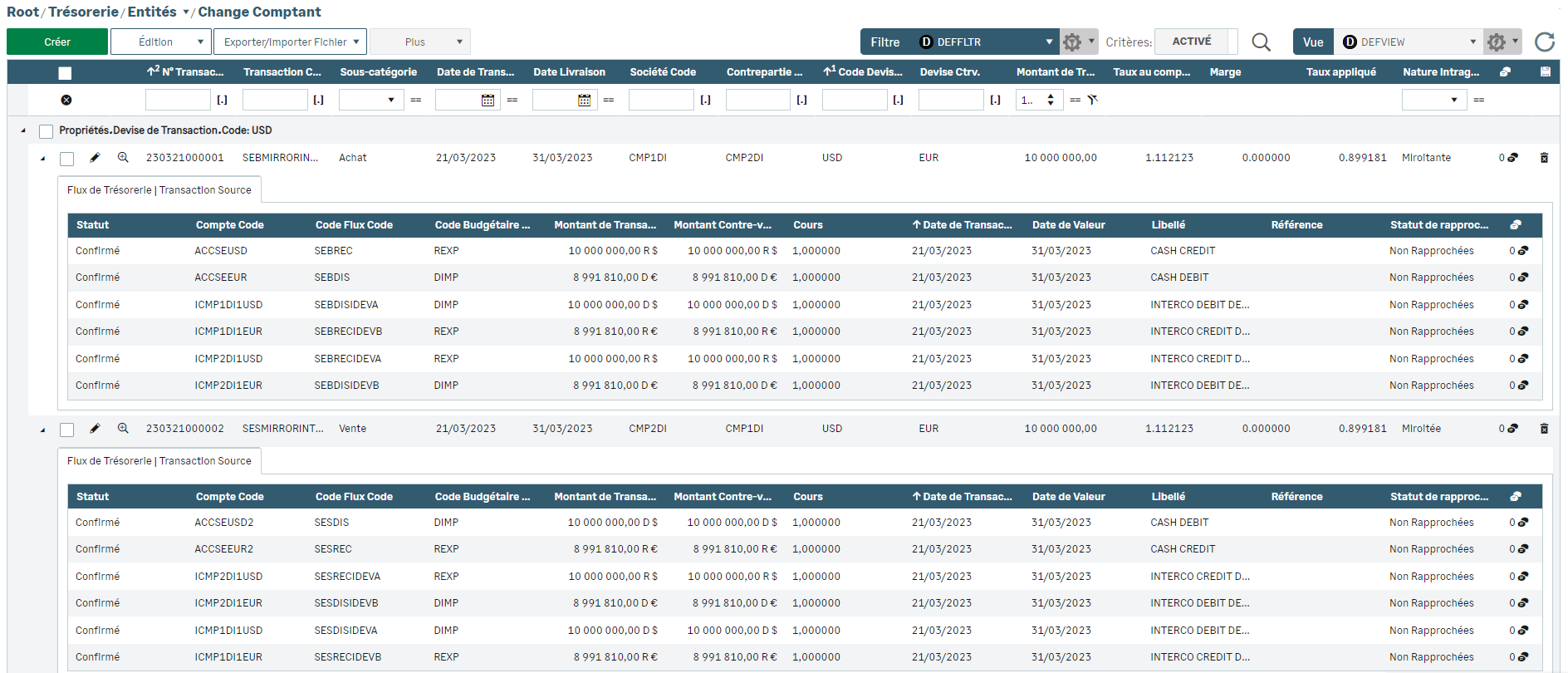
To view spot exchange transactions, go to Cash module and select the submenu Spot Exchange from the Entities menu. The default view groups by currency all the spot exchange transactions that have been entered.

In this view, click the little triangle at the beginning of lines to expand and access the details of the flows for each transaction.