Entering Bank Transactions
From the Cash module, select Bank Transaction in the Entities menu, then click Create.
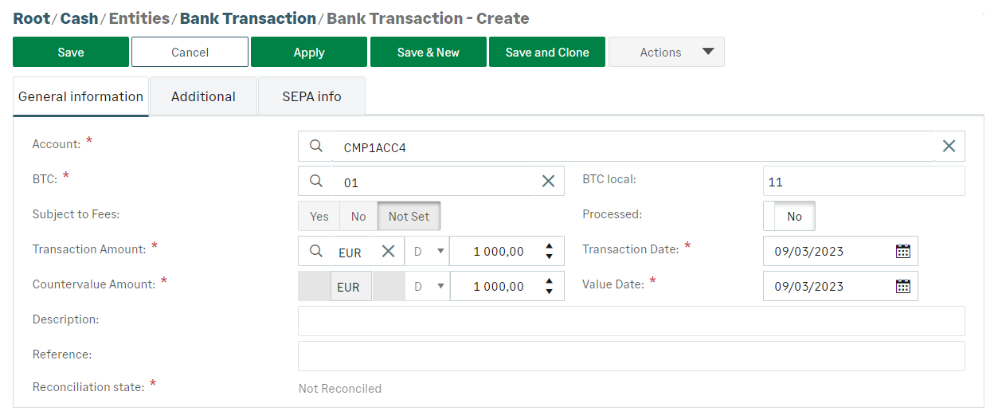
The Countervalue Amount and Value Date fields respectively take their values from Transaction Amount and Transaction Date. These fields can then be edited manually.
The Process Yes/No button allows you to specify whether the entry is processed by automatic reconciliation.
The Reconciliation state field is automatically completed. The actual data are assigned the Reconciled status.
Click Save to validate the creation of this bank transaction.


