Budget Console
You can view all your budget and actual flows through graphic gauges in the Analysis - Portlets menu.
The Budget Console portlet can display the budget and actual data by budget code or by budget category for one or more companies (consolidation). Complete the mandatory fields in the three tabs of the filter and click Apply.
The first view is a global representation of Disbursements and Collections on two columns.
Click and reclick on the colored labels of the legend to show or hide in the graph the corresponding data.
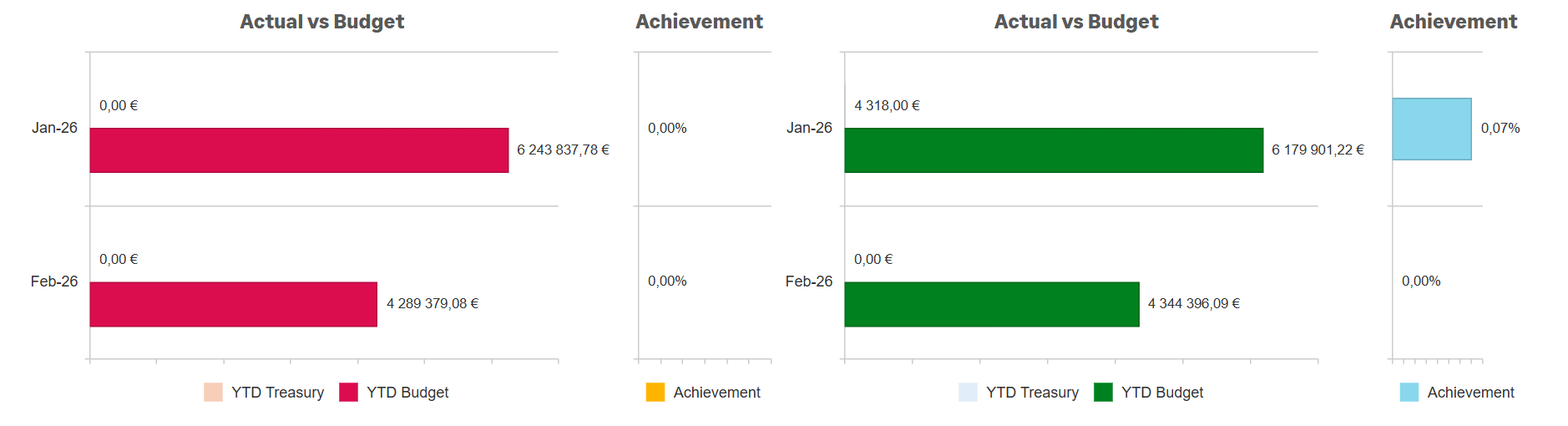
When you click on a monthly gauge, you can access the detailed amounts by budget code or category for the corresponding month and for the Disbursements or Collections column.
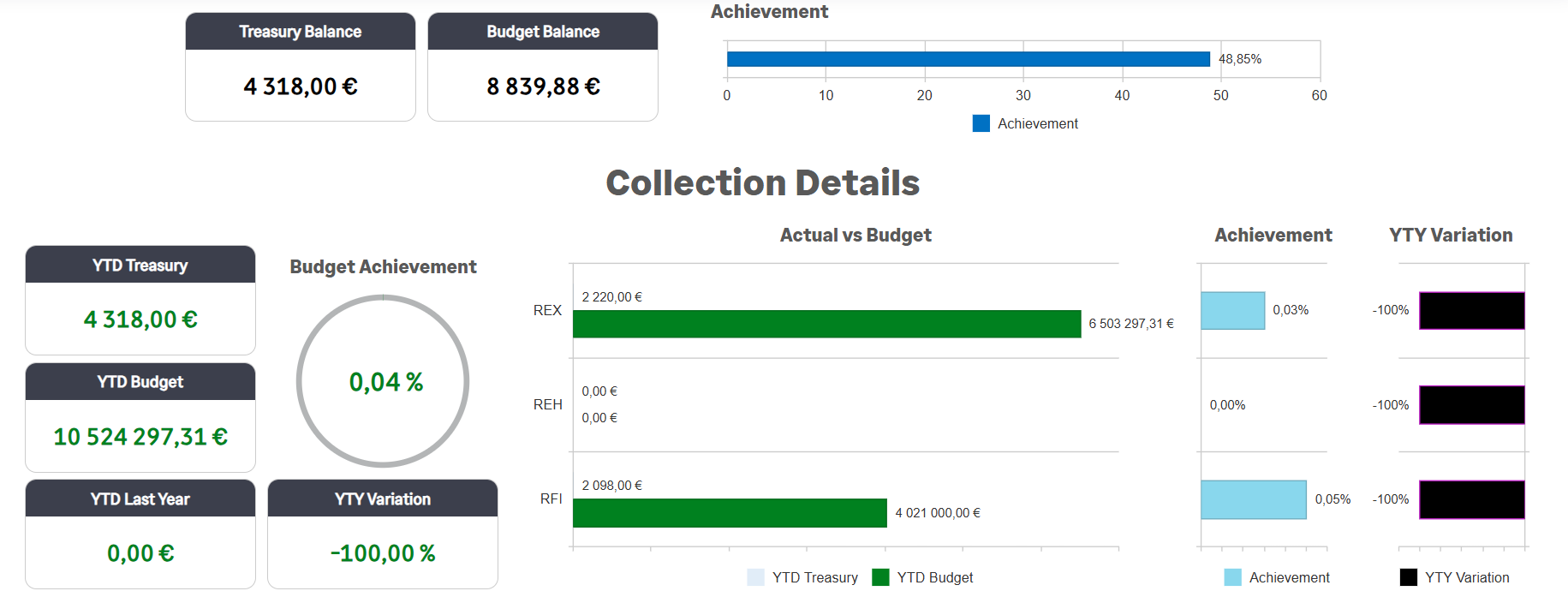
You can remove certain sections or elements of the display in the View Settings.
To retrieve and display your default Budget Console, use the Save button, complete the three fields of the filter and validate by clicking Save. You can modify this filter and create others in the Budget Console Filter submenu of the Setup - Analysis menu of Cash module. This setup centralizes all the options of the filter within three tabs: General Information, Format and Options.
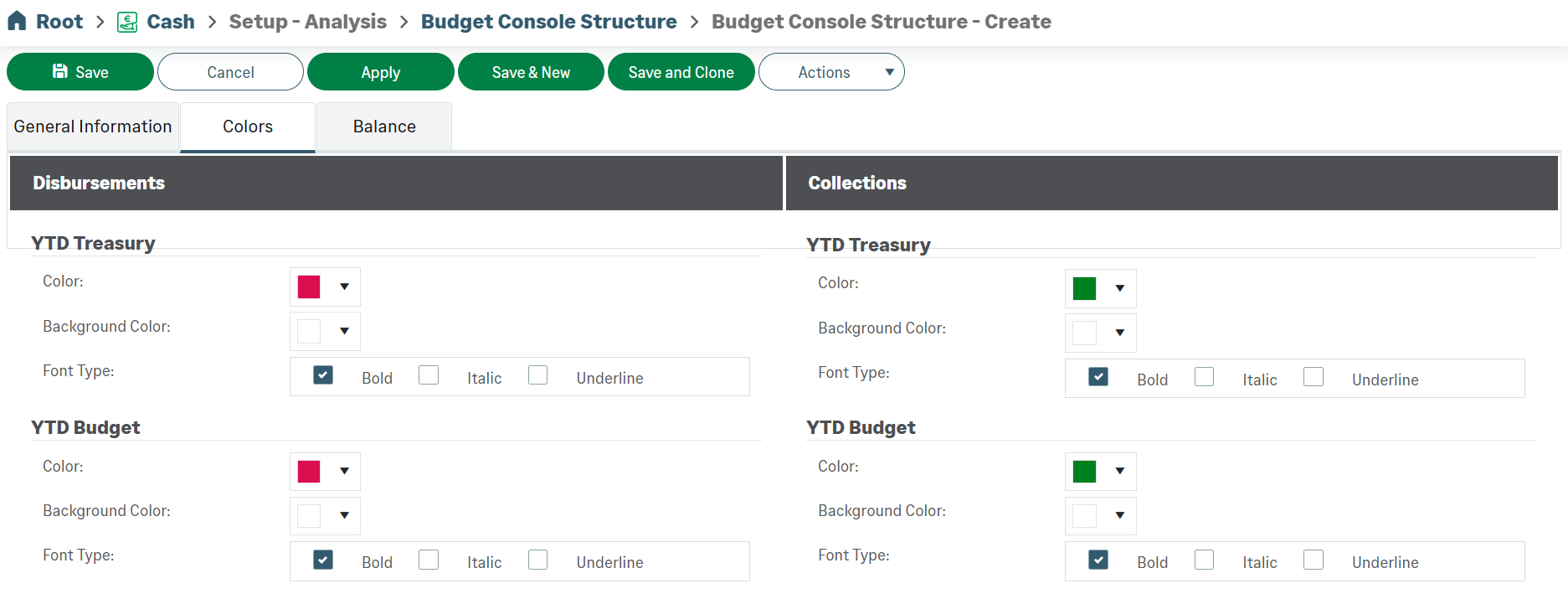
For even more customization of your console, go to the Structure Console Budget function in the Setup - Analysis menu of Cash module. For example, you can change the set of colors used for each indicator.